The Florence theme includes its own dedicated section in the WordPress Customizer, making it easy to access theme-specific tools, support resources, and style settings all in one place.
This guide walks you through each option available in the Florence Theme panel.
Watch the Video
Step 1 – Open the WordPress Customizer
You can access the Customizer in either of these ways:
- From the front end of your site, click Customize in the top admin bar.
- Or from your WordPress dashboard, go to Appearance → Customize.
Once opened, you’ll see the live site preview on the right and the Customizer settings on the left.
Step 2 – Open the Florence Theme Panel
- In the Customizer, look for Florence Theme at the top of the panel.
- Click to open it.
Florence Theme Panel Sections
Theme Documentation
Quick links to bring you to this documentation site. Click either the hyperlink or the button — they go to the same place!
Additional Support
Click either of these links to quickly get in touch with me.
Custom Font Settings
Get started on utilizing these functions here:
- Install Custom Fonts in Florence Theme
- Using & Applying Custom Fonts in Florence Theme
- Using Generic Fonts Instead of Custom Fonts
- Using Custom Fonts in the Page Editor in Florence Theme
Style Settings
Theme-specific settings you can control across the site here include:
Turn off Link Underline
This is the hover animation that appears on some buttons. Check the box to turn this off, or uncheck to turn it back on.
To apply this animation to your own blocks: Set the custom class of the block to fl-underline
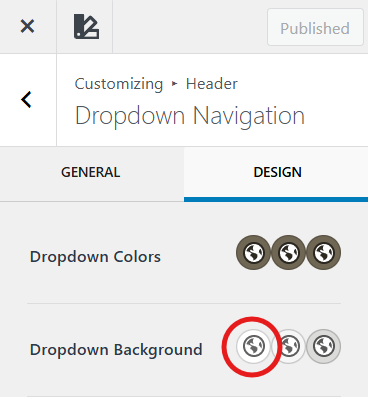
Remove Dropdown Menu Border
Removes the border around the dropdown menu. Check the box to turn this off, or uncheck to turn it back on.
To change the color of the border: This automatically inherits the Initial Background setting of the Dropdown Background setting.
- Find this setting in the Customizer under Header → Primary Navigation → Dropdown Options → Design.
Disable Post Count Numbers
This setting is specific to the page template: Home V2 – Blog Version.
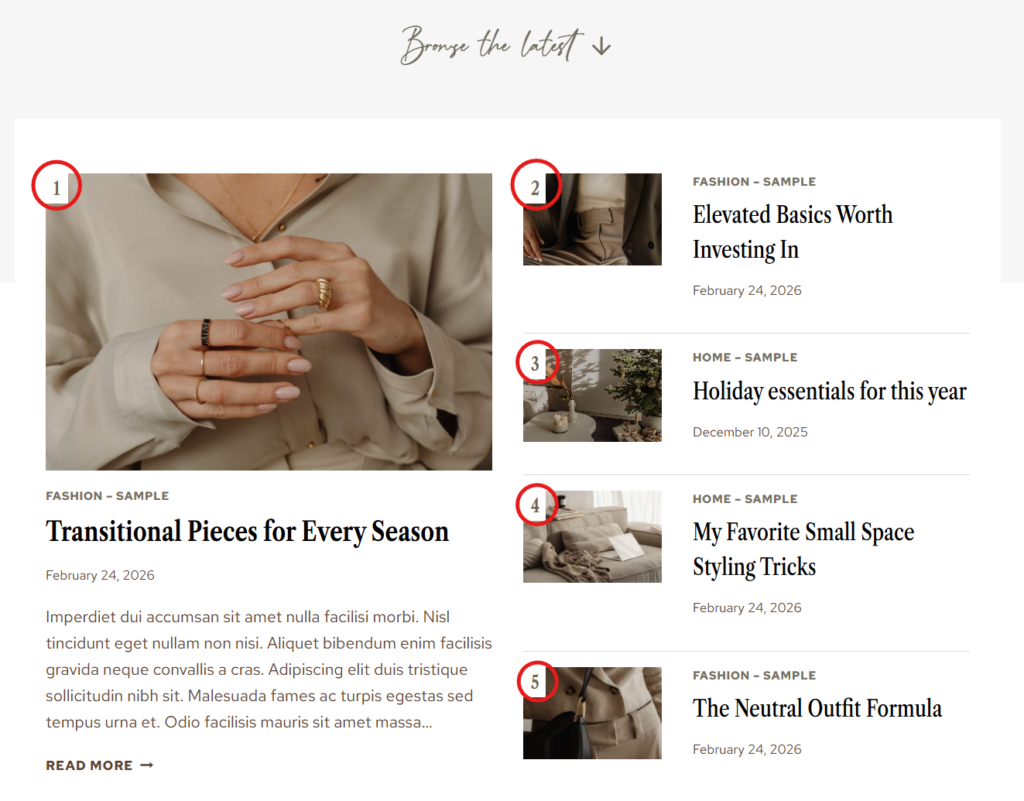
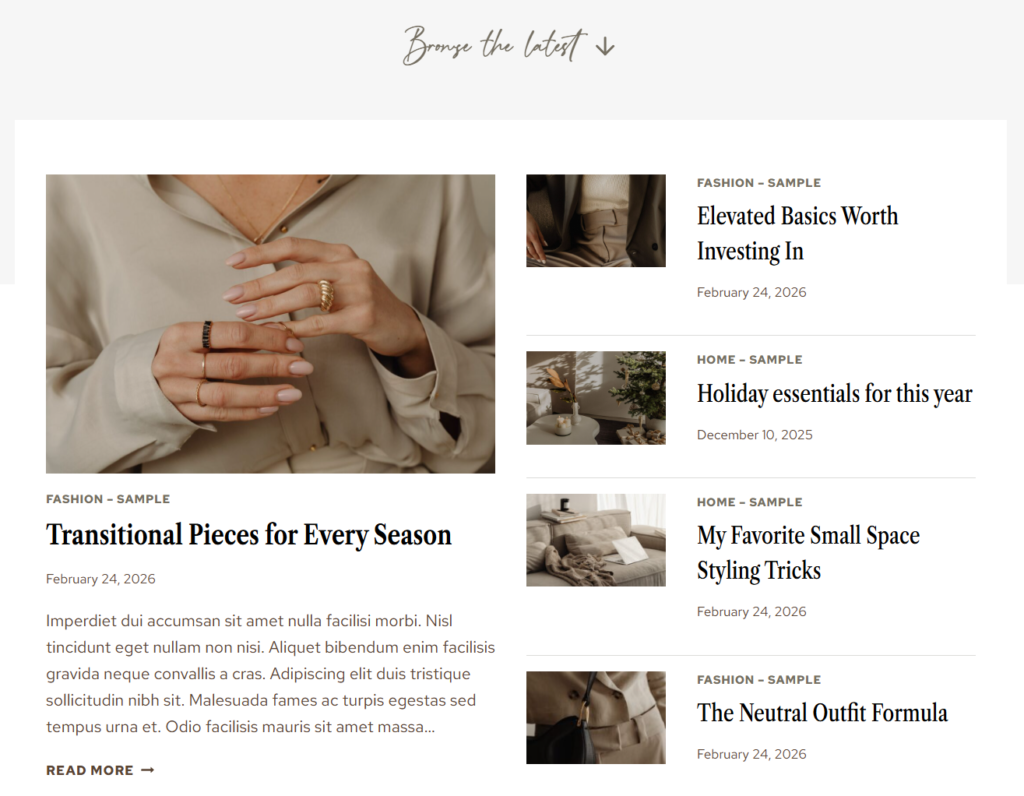
Allows you to turn on/off the automatic numbering of posts (appears in top-left corner) located within the Browse the latest section.
Disable Off
Disable On
Last updated on March 10, 2026
Previous Article
next Article